
You signed the contract. You got the licenses. Your team was actually excited about finally ditching the spreadsheets and duct-taped tech stack. But six weeks into your HubSpot rollout, something's off.
Adoption is sluggish. Your sales team is still using their old system "just until we figure this out." Marketing can't find half the data they need. And your pipeline visibility? Still a black box.
Here's the uncomfortable truth: most HubSpot implementations fail not because the platform doesn't work, but because the onboarding was set up to fail from day one.
If you're running a B2B SaaS company between $1M and $25M ARR, you're in that dangerous middle ground, too complex for out-of-the-box solutions, but often without the resources larger enterprises throw at these projects. The good news? Most onboarding failures follow predictable patterns. And they're fixable.

The Real Reasons Your HubSpot Onboarding is Breaking Down
You Skipped the "Why" Conversation
Most teams jump straight into configuration. Which properties do we need? How should we structure the pipeline? What integrations do we turn on first?
But here's what gets missed: Why are we doing this in the first place?
Without clearly defined, measurable business outcomes, like "reduce sales cycle by 20%" or "increase MQL-to-SQL conversion by 15%", your HubSpot instance becomes a fancy Rolodex. Teams don't know which features matter, adoption stalls, and six months later you're wondering why you're paying for Professional tier when you're only using 30% of the functionality.
The fix starts with alignment. Get your revenue leaders in a room (or on a Zoom). Define 2-3 specific outcomes you need to achieve in the next quarter. Then, and only then, configure HubSpot to support those outcomes. Everything else can wait.
Your Data is a Dumpster Fire
We get it. You've got contacts in Salesforce, leads in a Google Sheet, customer data in Stripe, and someone's personal email list from 2019 that "might be valuable." The temptation is to import everything and sort it out later.
Don't.
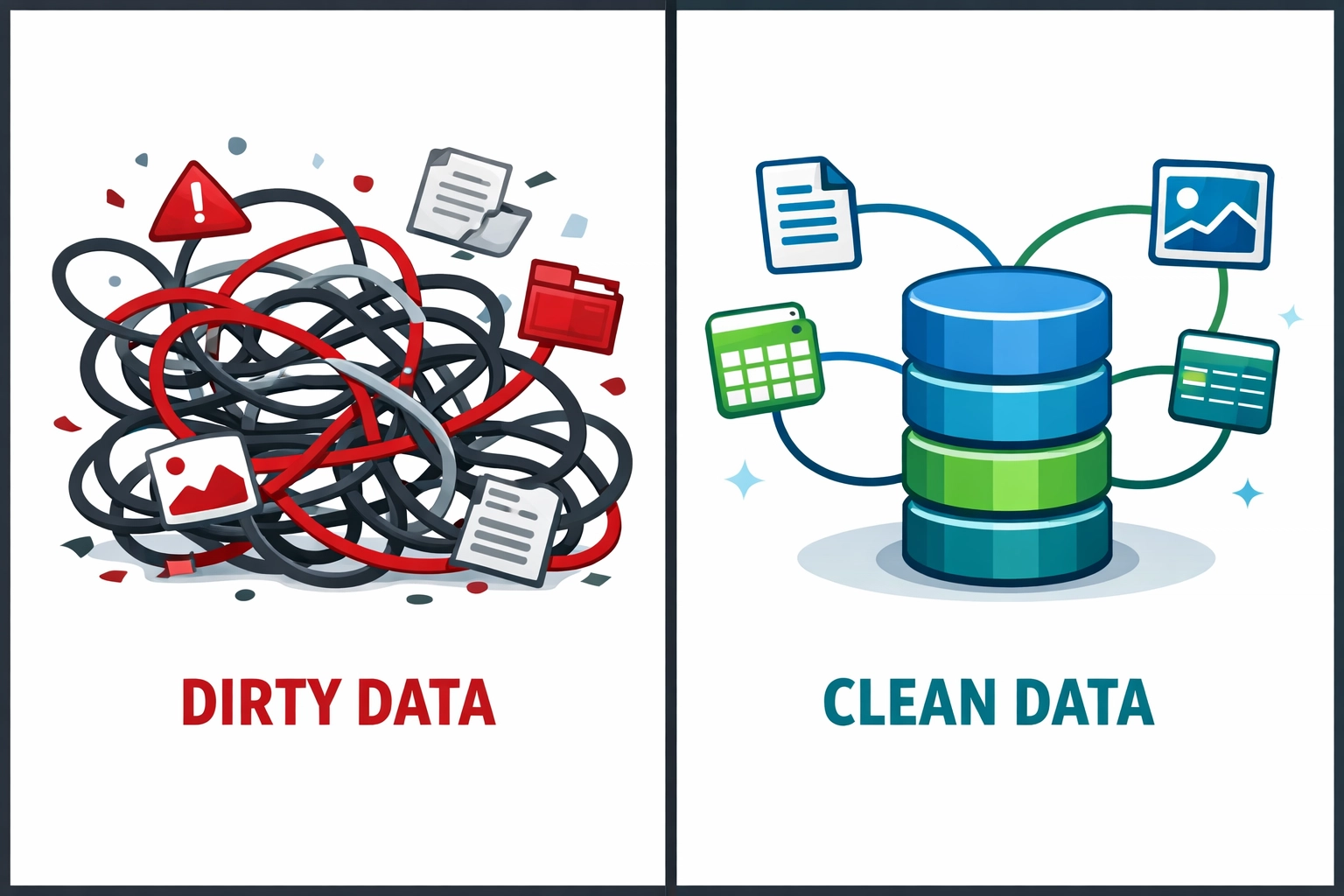
Migrating dirty data is like moving into a new house and unpacking every box from your last three apartments without throwing anything away. You end up with duplicate contacts, mismatched company records, broken automations, and a team that stops trusting the system entirely.
The fix requires discipline. Before you import anything:
- Audit what data you actually have across all systems
- Identify duplicates, outdated records, and incomplete information
- Define your data structure in HubSpot first, contact properties, company fields, deal stages
- Clean and consolidate before migration, not after
Yes, this takes time. But it's exponentially faster than trying to clean data while simultaneously training a team to use a platform they're already frustrated with.
You're Trying to Boil the Ocean
HubSpot has a lot of features. Marketing Hub. Sales Hub. Service Hub. Operations Hub. Workflows. Sequences. Reporting. Custom objects. The temptation to turn on everything and configure it all perfectly is overwhelming.
It's also a recipe for failure.
Companies in the $1M-$25M range typically don't have dedicated RevOps teams yet. You've got a growth-minded ops person wearing multiple hats, a marketing leader trying to do demand gen and ops, and sales managers who just want their team to close deals. Asking this team to master every HubSpot module simultaneously is unrealistic.
The fix is ruthless prioritization. What's the one revenue bottleneck killing you right now?
- Is it pipeline visibility? Start with deal stages and basic reporting.
- Is it lead handoff between marketing and sales? Focus on lead scoring and contact lifecycle stages.
- Is it inconsistent follow-up? Build out sequences and task management first.
Get one core workflow running smoothly. Let your team experience success. Then layer in the next capability. This "crawl, walk, run" approach feels slower, but you'll actually go live faster and with better adoption.

The Training Problem Nobody Wants to Talk About
Here's a scenario we see constantly: Company invests in HubSpot, pays for onboarding, gets a solid technical setup. Then they send their team a link to HubSpot Academy and consider training "done."
Three months later, adoption is at 40% and half the team has reverted to old tools.
Generic training doesn't work. Your SDRs don't need to know how to set up marketing workflows. Your marketing team doesn't need to understand sales forecasting. Your customer success managers have completely different use cases than your AEs.
The fix is role-specific, hands-on training that happens in your actual HubSpot instance with your real data:
- SDRs and BDRs: Sequences, tasks, call logging, prospect research
- Account Executives: Deal management, pipeline visibility, email templates, forecasting
- Marketing: Campaign tracking, lead scoring, list segmentation, form analytics
- Leadership: Dashboards, forecasting, attribution reporting
And here's the critical piece everyone misses: training isn't a one-time event. Schedule monthly office hours. Create video walk-throughs for common workflows. Build a Slack channel where people can ask quick questions. The goal is removing friction, not creating a certification program.
The Documentation Gap That Kills Scale
You finally get everything working. Contacts are flowing correctly. Deals are progressing through stages. Reports actually show useful information. Then your RevOps person leaves, or you hire three new sales reps, or you need to troubleshoot why a workflow stopped firing.
And nobody knows how anything is built.
This is where most implementations eventually break. Six months in, twelve months in, when the people who built the system aren't around to explain it.
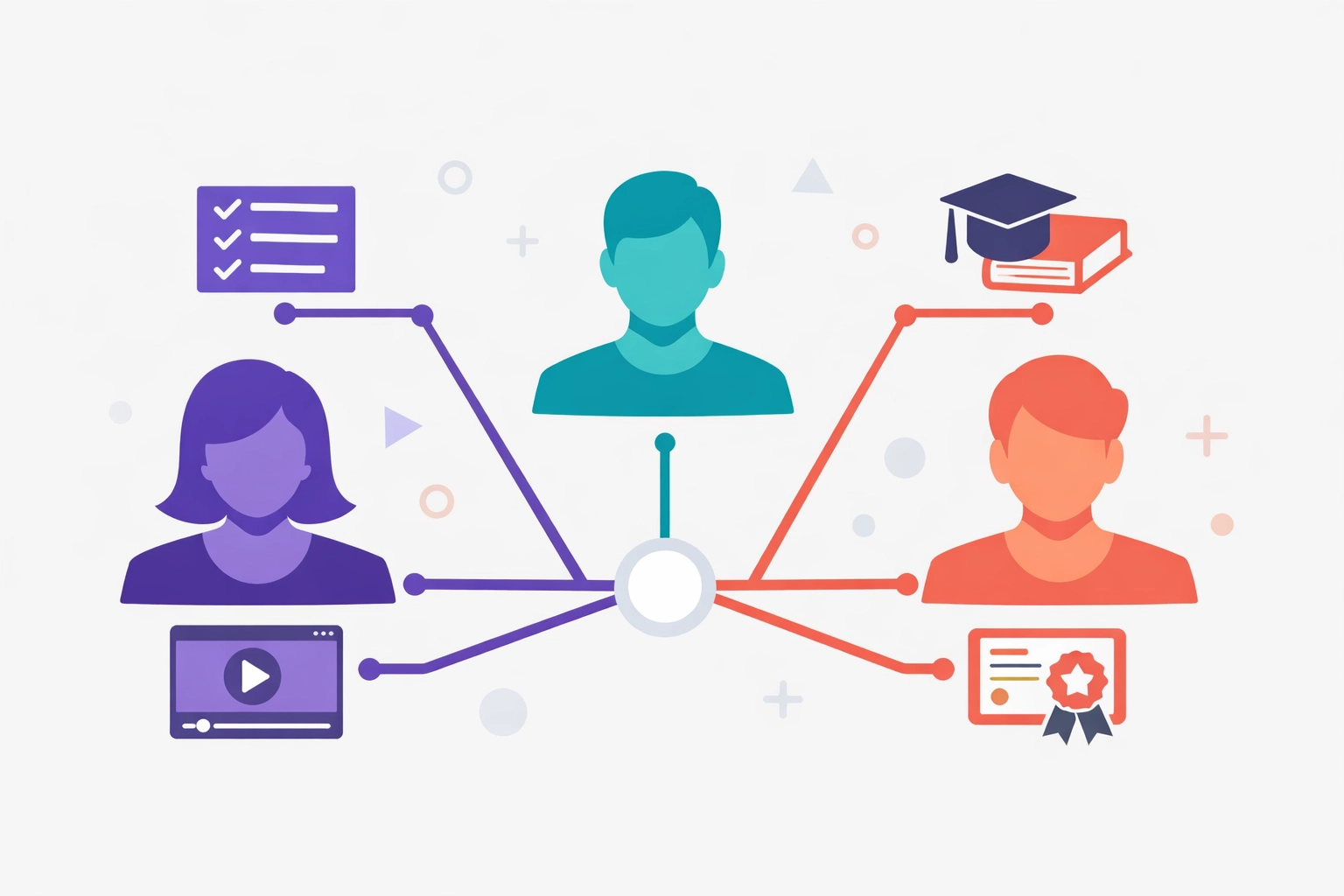
The fix is documentation from day one. Every custom property, every workflow, every integration decision needs to be documented with:
- What it does
- Why it was built this way
- Who owns it
- When it was last updated
This feels like overhead when you're moving fast. But it's the difference between a system that scales with you and one that needs to be rebuilt every 18 months.
Why DIY Onboarding Usually Fails at Your Stage
If you're pre-$1M ARR, figure it out yourself. Watch the Academy videos, experiment, break things and fix them. You're still figuring out product-market fit, and your processes will change dramatically.
But between $1M and $25M? You're past experimentation. You need systems that support predictable growth. You need workflows that don't break when you hire your 10th, 20th, 50th rep. You need data infrastructure that powers decisions, not just documents them.
At this stage, DIY onboarding costs more than professional help: not in dollars, but in opportunity cost. Every month your revenue team operates with broken handoffs, missing data, and manual workarounds is a month you're not hitting the growth targets that got you funded.
Professional onboarding through certified partners like Impactus Growth Advisors isn't about paying someone to click buttons. It's about:
- Getting strategic setup aligned to your revenue model, not just "best practices"
- Avoiding the six months of trial-and-error that kills momentum
- Building for scale from the start, not retrofitting as you grow
- Training that drives actual adoption, not just feature awareness
The Path Forward: Onboarding as a Revenue Investment
Here's how companies between $1M-$25M ARR should actually approach HubSpot onboarding:
Week 1-2: Discovery and Alignment
Map current revenue processes, identify bottlenecks, define measurable outcomes, align stakeholders.
Week 3-4: Data Preparation
Audit existing data, define HubSpot structure, clean and prepare for migration.
Week 5-6: Core Configuration
Set up high-impact features first: pipeline, contact management, basic reporting.
Week 7-8: Training and Testing
Role-specific training with real data, test workflows with actual users, refine based on feedback.
Week 9-10: Go Live and Support
Launch with high-touch support, office hours for questions, quick iteration on pain points.
Month 3+: Optimization
Layer in advanced features, build custom reporting, expand automation.
This isn't faster than trying to do everything in week one. But it results in a system people actually use, processes that actually work, and data you actually trust.
Stop Treating HubSpot Like a Software Problem
Your HubSpot implementation isn't failing because the platform is bad. It's failing because onboarding was treated as a technical project instead of a revenue transformation.
For B2B SaaS companies in growth mode, your CRM isn't just a database: it's the engine that powers predictable revenue. When it's set up correctly, with clean data, proper training, and documentation that enables scale, HubSpot becomes the competitive advantage you paid for.
When it's not? It's just another tool your team works around instead of with.
If your current HubSpot setup feels more like a burden than an asset, it's not too late to fix it. The question is whether you'll keep trying the same approach and hoping for different results, or invest in doing it right this time.


